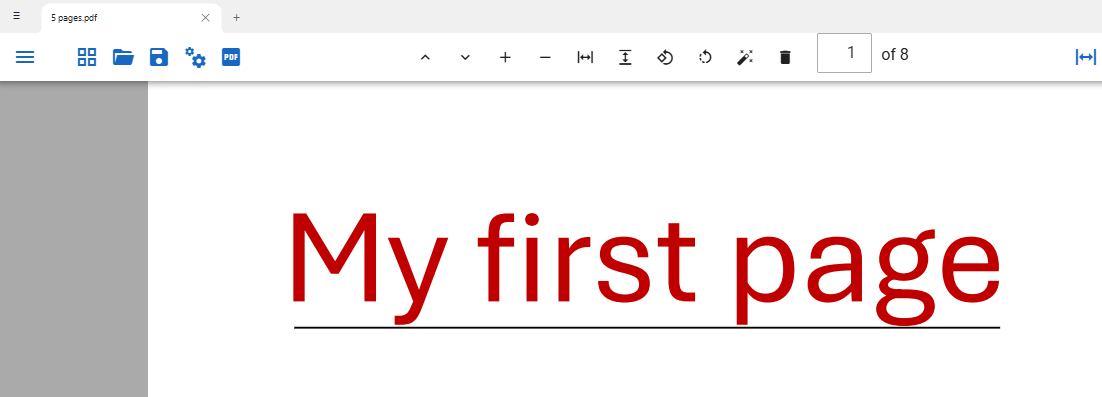
Text Markups
Text in a PDF can be marked up with a highlight, strikethrough or underline. Use the cursor to select the text you want to markup. When selected a menu will popup allowing you to choose the color of the markup and the markup to apply.
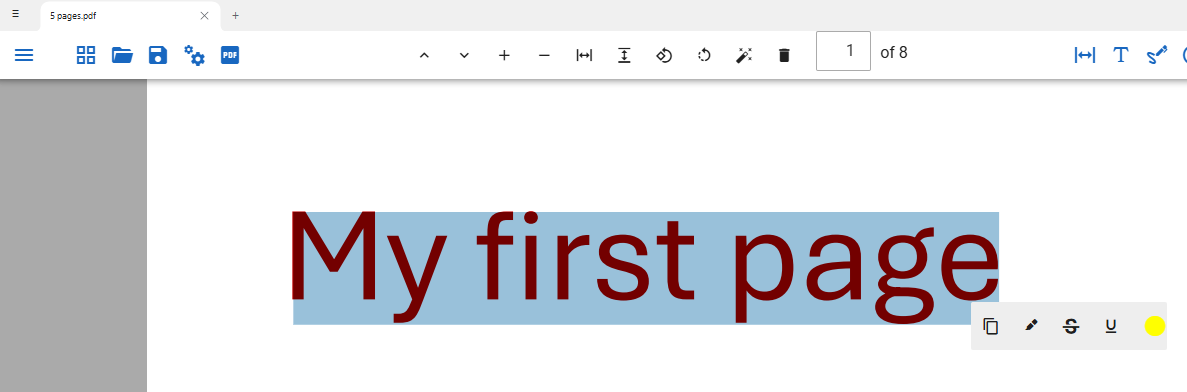
You can delete a markup or annotation by selecting it and clicking on the cross in the top right of the selection.
Text Highlights
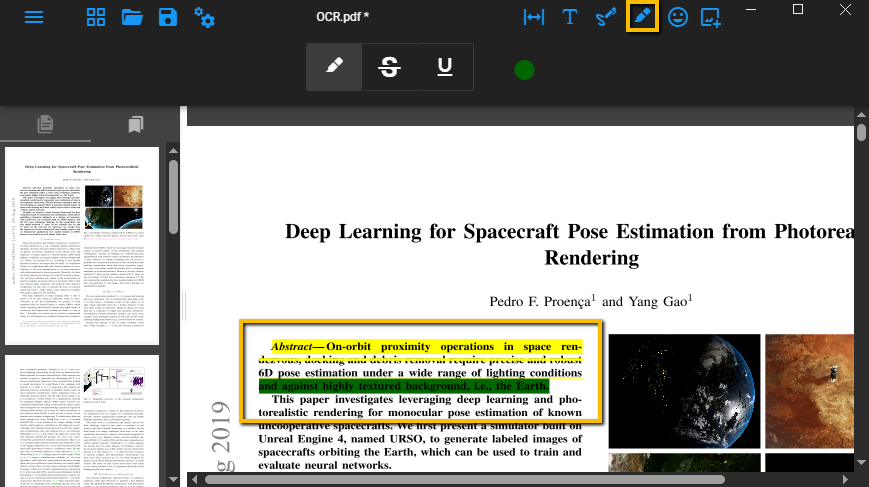
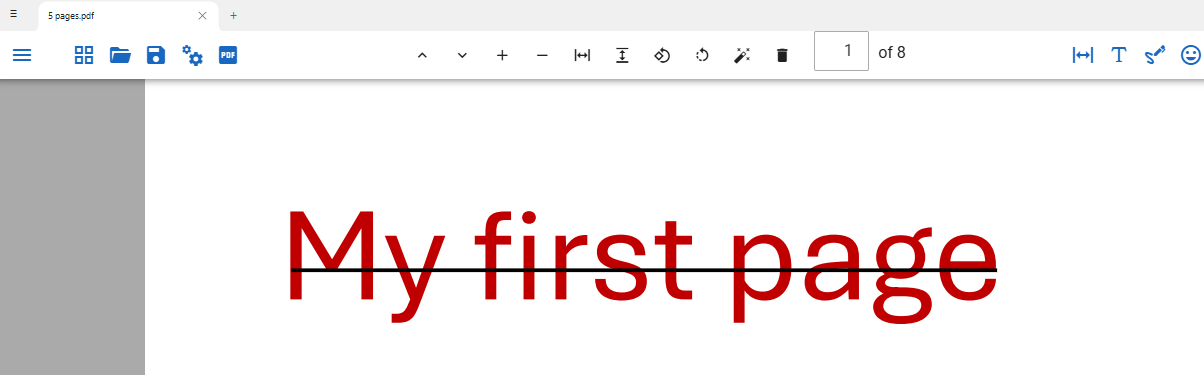
Text Strikethrough
Text Underline